Customer engagement
Answer questions, recommend next steps and turn interest into enquiries.
Your business, ready to respond.
Servadot answers questions, captures enquiries and helps get things done. Serve customers through your website, Instagram and Facebook, and give staff a private assistant for company knowledge and tasks.
Enquiry summary
Catering enquiry · around 30 guests
Example only · not submitted
Answer questions, recommend next steps and turn interest into enquiries.
Help customers with questions and service requests, with your team able to step in when needed.
Give employees a private assistant for company knowledge, guidance and connected tasks.
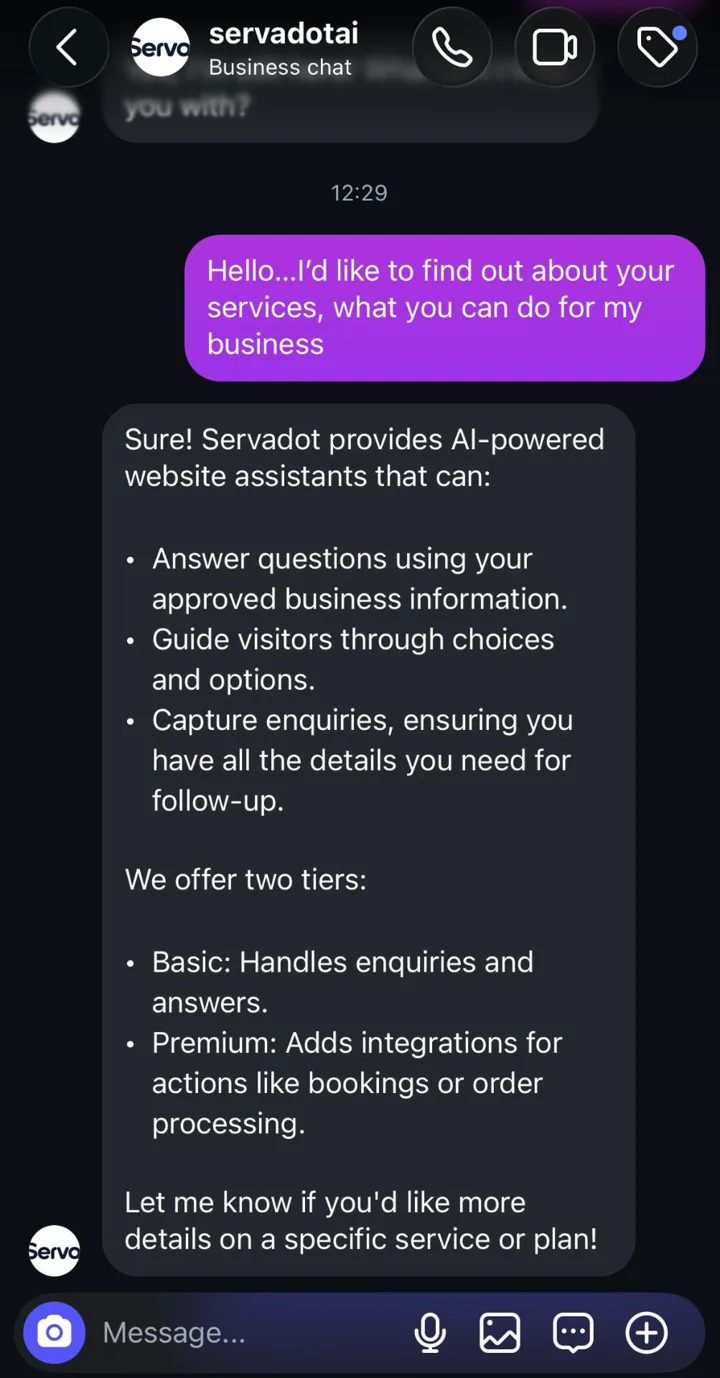
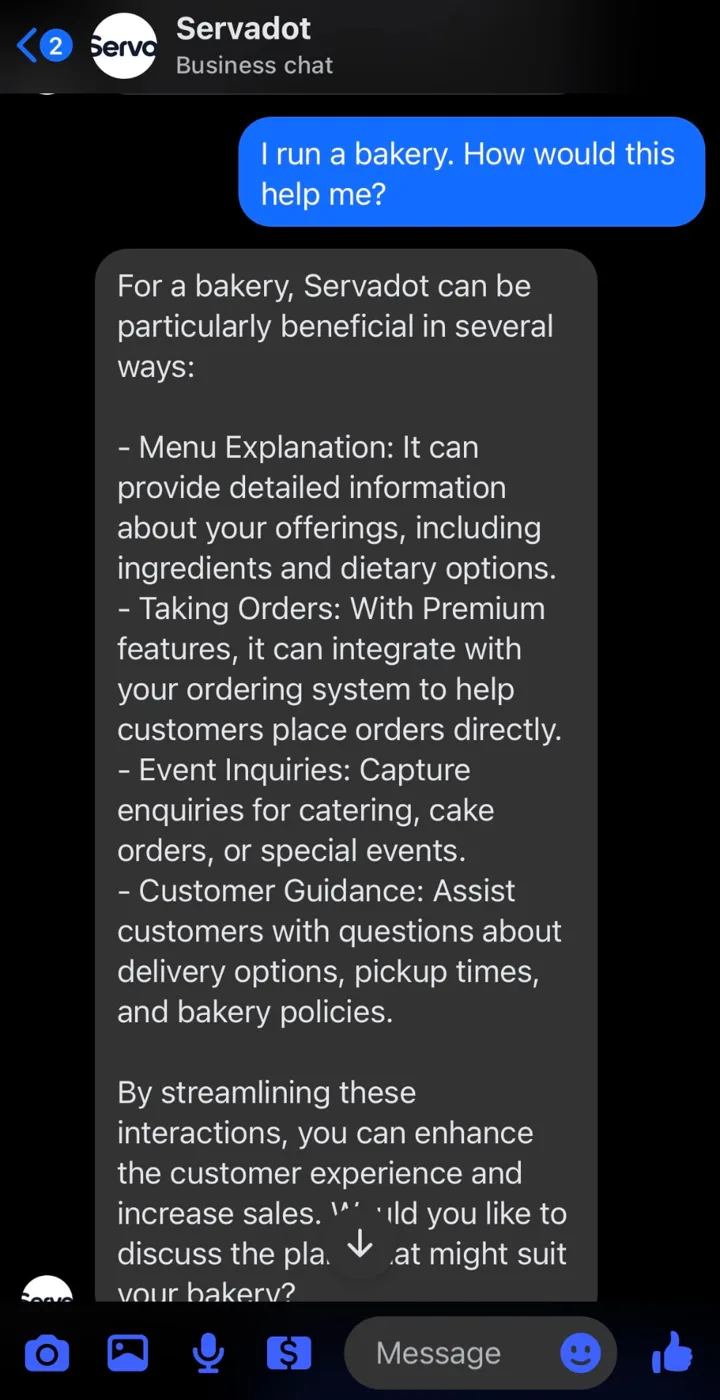
Serve customers on your website, Instagram and Facebook Messenger with the same business knowledge and configured service workflows.
Explore channels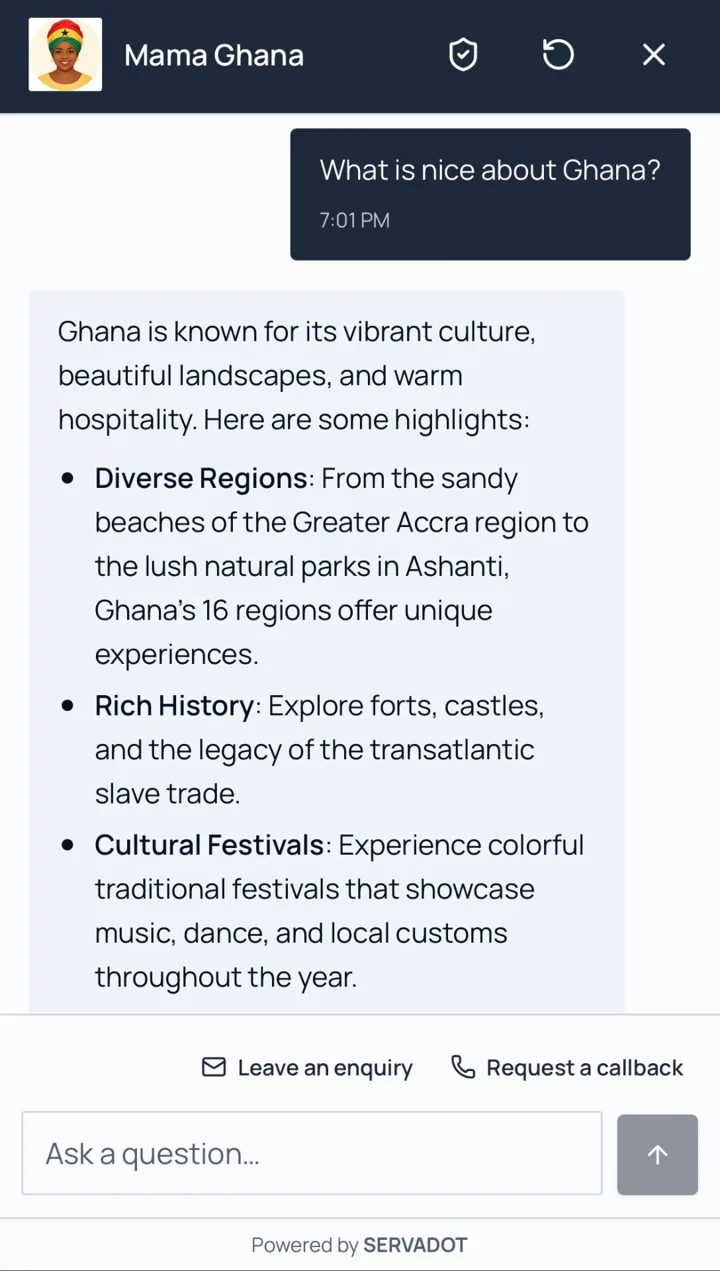
Authorized team members can take over conversations for exceptions and personal assistance. Agent controls and routing depend on deployment configuration.
 Business assistant
Connected actions run through your connected business systems. Booking, ordering and service workflows require an agreed, supported integration; not every plan includes every integration.
Through your connected business systems.
Illustrative exampleReal screenshots from live assistants. Visitors are asked before any details are shared, and they review everything before it is sent.
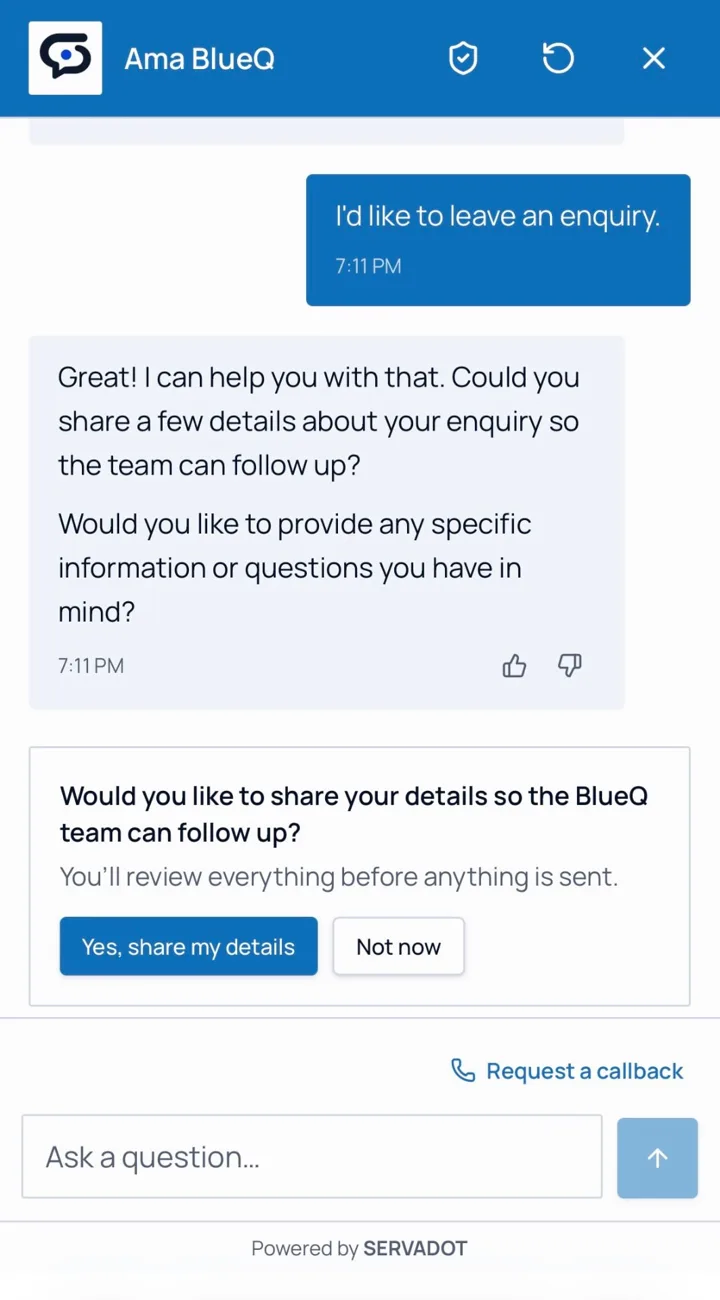
The assistant asks permission before any details are shared.
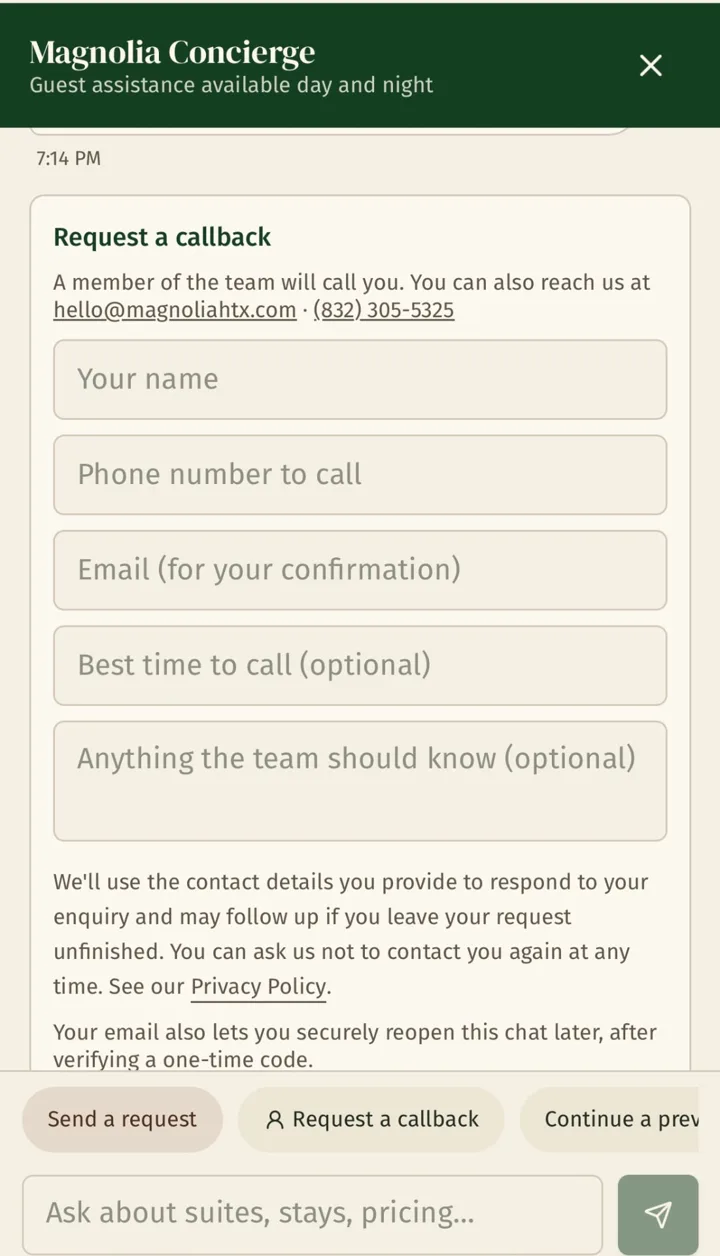
Visitors request a callback without leaving the chat.
Separate. Authenticated. Access-controlled.
Help employees find approved company information, follow procedures and complete connected internal tasks. Staff access is separate from public customer conversations and scoped to authorized users.
Explore staff servicesStaff accessSee what customers ask, where information is missing and what your team can improve.
Recurring question topics
Enquiries
Reviewed requests
Knowledge gaps
Topics to improve
We help you get set up.
Provide documents, FAQs and approved website content. Review what the assistant can use.
Agree its audience, behavior, access controls and any business-system connections.
Check answers and agreed workflows, connect your channels, then improve from real conversations.
Business knowledge, guided conversations and enquiry capture.
View plansConnected systems and workflows.
View plansTailored services, advanced customization and internal staff assistance.
View plansQuick answers to common questions about Servadot.
Yes. Customer-facing services can work through Instagram DMs or Facebook Page Messenger. A linked standalone assistant page is another option.
Yes. Managed Basic can include either Instagram or Facebook; an additional social channel requires an extra setup fee. Managed Premium can include either or both without an additional social-channel setup fee. Both social channels are currently in Beta.
Yes. Authorized team members can step in. Controls and routing depend on your deployment configuration; social conversations can be paused for human chatting and manually switched back to AI.
Premium adds connected actions through agreed, supported integrations. Compatibility, workflow scope and implementation costs are confirmed against your systems before setup.
Yes. Enterprise can include a separate authenticated staff assistant for approved company knowledge and connected tasks, with access controls scoped to your organization.
With Managed service, Servadot configures, hosts and maintains the assistant. With Self-Hosted delivery, your organization operates it; optional maintenance is separately agreed.